
Network Spoofer
Tools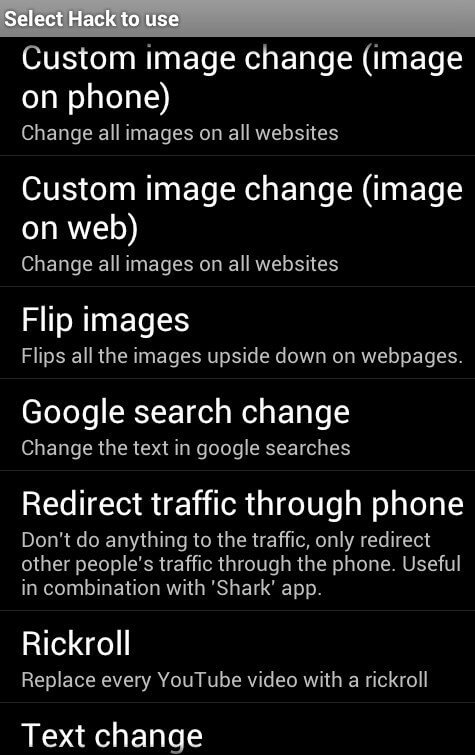
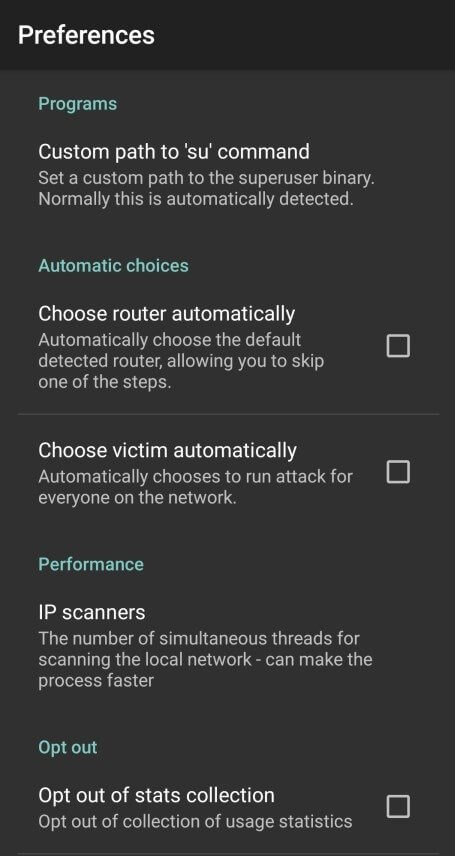
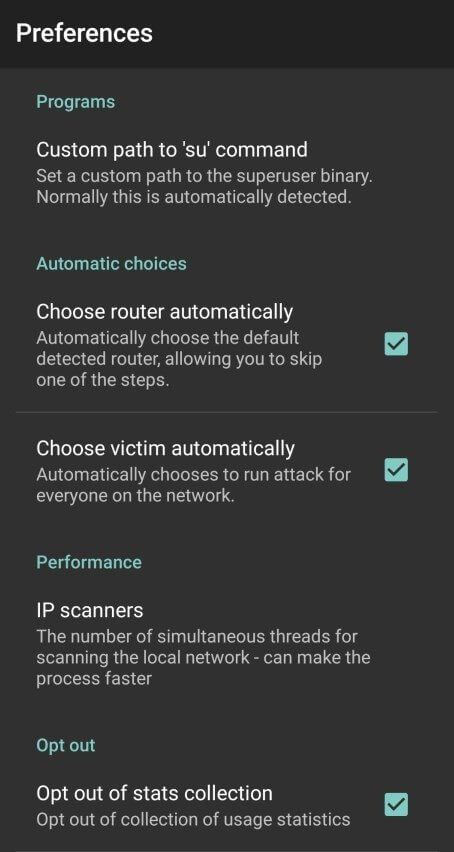
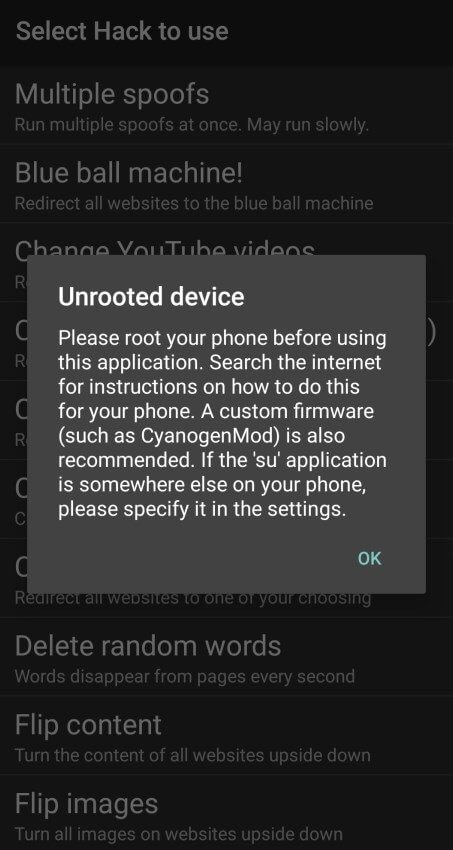
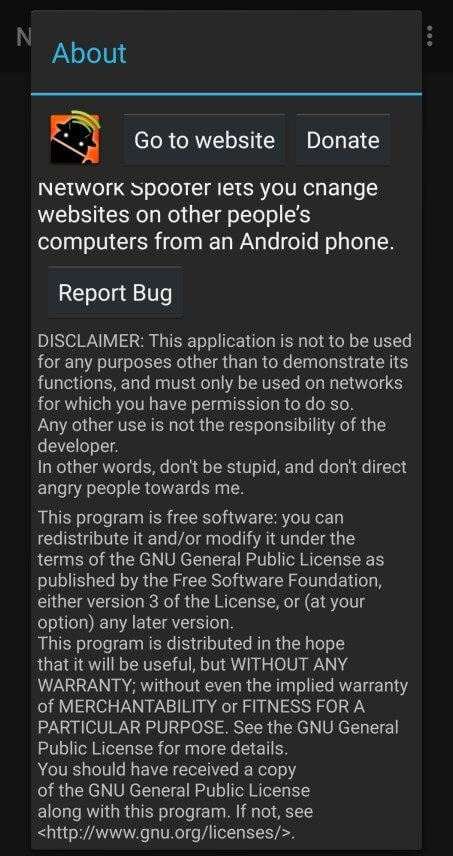


Network Spoofer is a lightweight Android utility that lets you alter the content other devices see on the same Wi‑Fi network. By intercepting HTTP traffic, it can replace images, change text, or otherwise modify web pages in real time, making it popular for harmless pranks among friends.
This page covers the latest version details, how to install the APK safely, common issues you might encounter, and a quick look at how it stacks up against similar tools.
Quick Information
| App/Game Name | Network Spoofer |
| Latest Version | 2.4.0 |
| Developer | Not listed |
| Category | Apps / Tools |
| App Size | 5 MB |
| Package Name | uk.digitalsquid.netspoofer |
| Last Updated | 20 January 2026 |
What Is Network Spoofer?
Network Spoofer works by acting as a man‑in‑the‑middle proxy on a local Wi‑Fi network. When a device on the same network requests a web page, the app can inject custom content—such as swapping a picture for a kitten or flipping text upside down—before the request reaches the target device. It’s designed for casual, on‑the‑spot jokes rather than serious network analysis.
Key capabilities include:
- Real‑time image replacement on any HTTP site.
- Text manipulation (e.g., reversing or mirroring strings).
- Simple on/off toggle for quick activation.
Because it only handles unencrypted HTTP traffic, it won’t affect HTTPS sites unless the device trusts a custom certificate, which the app does not provide by default.
Compatibility
| Android Version | Not Verified |
| Architecture (ARM64 / 32-bit) | ✓ Verified — Supports common device architectures |
| Internet Connection | ✓ Verified — May be required for ads, updates, or login |
| Storage Needed | Not Verified |
| OBB/Data Files | Not Verified |
| Root Required | Not Verified |
How to Install
- Enable Unknown sources in Settings > Security (or Settings > Apps > Install unknown apps for your browser).
- Download the Network Spoofer APK file to your device.
- Tap the downloaded file to launch the installer and follow the prompts.
- After installation, open the app and grant the required Network and Storage permissions.
- Connect to the same Wi‑Fi network as the target device, toggle the spoofing switch, and configure the desired content changes.
Troubleshooting
- App not installed: Ensure the APK matches your device’s architecture (ARM or x86) and that you have allowed installations from unknown sources.
- Crashes on startup: Clear app data, restart the device, and make sure no other VPN or proxy apps are active.
- MOD features not working: Not applicable – this is the official build.
- Network permissions denied: Go to Settings > Apps > Network Spoofer > Permissions and enable both Location (required for Wi‑Fi scanning) and Network access.
- Content not changing on target device: Verify both devices are on the same Wi‑Fi subnet and that the target site uses HTTP, not HTTPS.
Safety & Security
Network Spoofer modifies traffic only on the local network and does not store personal data. Nevertheless, because it intercepts network packets, you should download the APK from a reputable source and scan it with an antivirus before installing. Review the permission list carefully; the app requires network and storage access to function.
Using the tool on public Wi‑Fi may expose you to legal or policy restrictions, and some networks may block proxy‑style traffic. Always respect the privacy of others and limit usage to consensual, light‑hearted scenarios.
How Network Spoofer Compares
| Feature | Network Spoofer | Packet Capture | HttpCanary |
|---|---|---|---|
| Price / Model | Free | Free with ads / Premium | Free with in‑app purchases |
| Platform | Android | Android | Android |
| Standout Feature | Real‑time content swapping for pranks | Full packet capture without root | HTTPS decryption with custom certificates |
| Best For | Casual network jokes | Network debugging and analysis | Advanced HTTP/HTTPS inspection |
Alternatives
- Packet Capture – Captures network packets without root and lets you view request/response data. Ideal for developers needing quick diagnostics.
- HttpCanary – Offers deep inspection of HTTP and HTTPS traffic, including certificate handling. Suited for power users who need full visibility.
- NetGuard – Provides firewall‑style control over apps’ network access. Not a spoofing tool, but useful for blocking unwanted traffic.
Final Verdict
Network Spoofer is a fun, easy‑to‑use app for on‑the‑spot Wi‑Fi pranks. It works best on unsecured HTTP sites and requires both devices to share the same local network. Because it only handles unencrypted traffic, its utility is limited for modern HTTPS‑only sites. Install from a trusted source, grant only the permissions you need, and keep the usage light‑hearted to avoid privacy concerns.
Frequently Asked Questions
The app only intercepts local HTTP traffic and does not collect personal data, but you should download it from a reputable source and scan it before installing.
No, the app works without rooting the device, using standard network permissions.
Network Spoofer runs on Android 5.0 (Lollipop) and newer, though newer versions may offer better stability.
Technically it can run on any Wi‑Fi, but many public networks block proxy‑style traffic and using it may violate terms of service.
This usually means the APK is incompatible with your device’s CPU architecture or you have not allowed installations from unknown sources.
Go to Settings → Apps → Network Spoofer → Permissions and enable Network and Storage (and Location if prompted).
No, Network Spoofer only modifies unencrypted HTTP traffic; HTTPS sites remain unchanged unless you install a custom certificate, which the app does not provide.
Yes, simply uninstall it like any other app via Settings → Apps → Network Spoofer → Uninstall.